The story everyone’s talking about
Saved link · Added by Alex
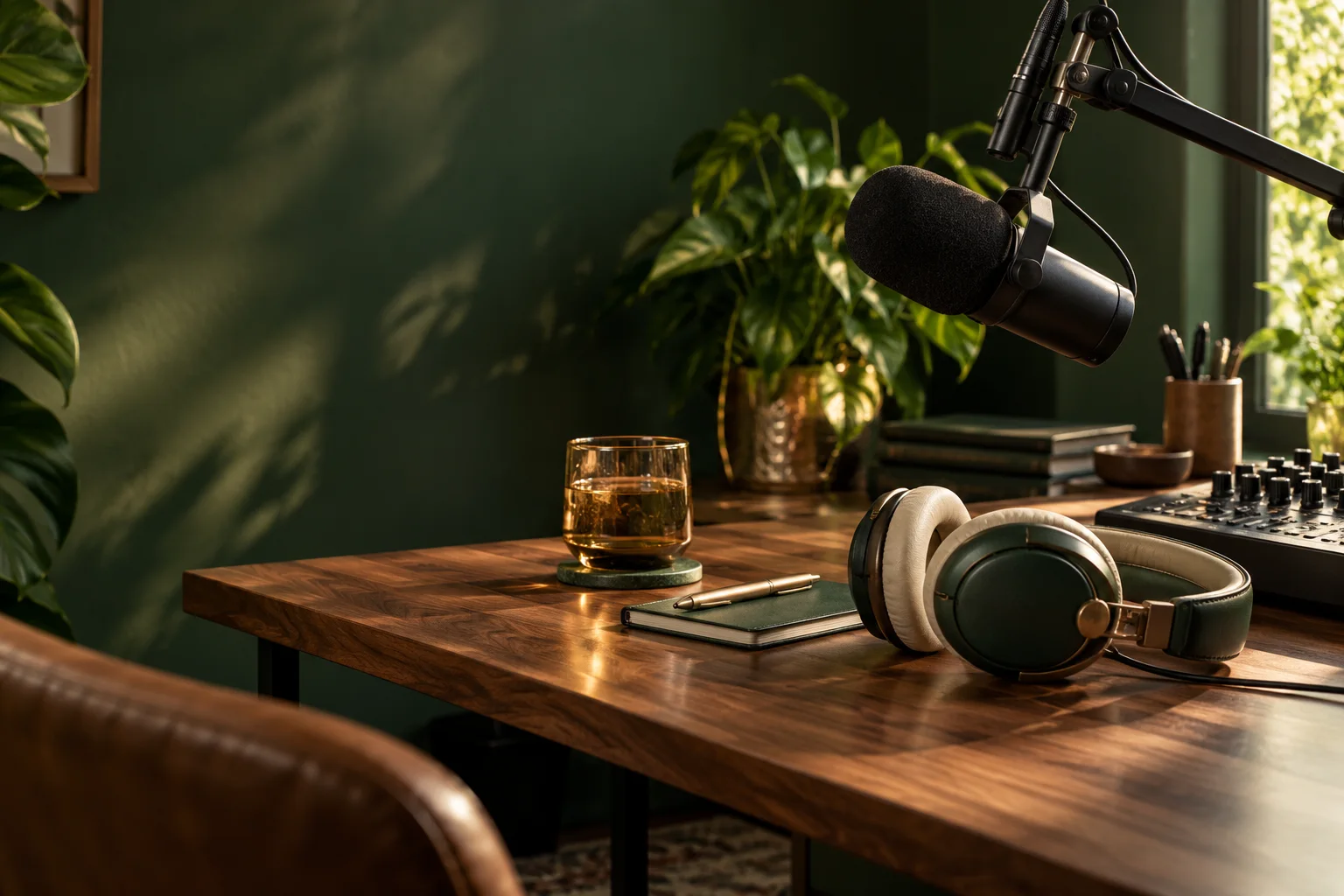
FOR PODCASTS & LIVE SHOWS
Save the good stuff as you find it. Bring it together into an episode. Then share one Stage Tab and stay with the conversation.Keep your existing studio software. Close the extra tabs.
01 / CAPTURE · THROUGHOUT YOUR WEEK
That article over coffee. The clip in your group chat. The idea you find five minutes before going live.
Send it to your show’s inbox with the bookmarklet or browser extension, or paste a screenshot straight in. A Discord bot is coming soon. Your crew’s finds land together, ready when you sit down to plan.
Prep as you go. Stop starting from scratch.TRY A CAPTURE Illustrative demo
You’re reading a story. Open the Podfitter extension and send it to your show.
YOUR SHOW’S INBOX
Choose a method and give it a try. No account needed for this demo.
CAPTURE → PLAN → STAGE
Pick your stories, put them in order, add your notes. Your run sheet connects the week’s ideas to the show you’re about to host.
Explore the run sheet02 / STAGE · WHEN IT’S SHOWTIME
Keep your existing studio software. Make the show easier to manage. Share your Stage Tab once, then bring up the next story, image, or clip from Podfitter. Stay with the conversation.
LESS BROWSER LOAD
Your existing studio software needs room to work. Every extra article, image, or video page can compete for your computer’s memory and processing power.
Present saved material through the Stage Tab and close the source tabs you no longer need. Fewer open pages can mean more resources for your studio—and less tab juggling for you.
Keep your studio, Podfitter controls, and Stage Tab open. Save and check your material first; performance depends on your device and what you play.
YOUR CONTROLS PRIVATE
Send a cue to the Stage.
Ask each host: what makes a conversation worth coming back to?
THE SUNDAY CONVERSATION / FEATURE
A good question can take a show somewhere you never planned.
Listen for the detail that surprises you. Ask the follow-up. Give a different perspective room to breathe.
Your run sheet gives the conversation direction. The best moments happen when you have the headspace to follow it.
THE SUNDAY
Saved article is on Stage.
Select a segment to see its host notes.
SAVE IT WHILE IT’S FRESH
Keep links, clips, and quick thoughts together before you build the episode.
Saved link · Added by Alex
Video clip · Added by Jamie
Quick thought · Added by Morgan
01Open your Stage Tab. Your show has one place for its on-screen content.
02Share it in your studio. Use your broadcast tool’s screen-sharing controls.
03Run the show from Podfitter. Choose what goes on screen while your crew follows the plan.
CURRENT SEGMENT 02 / 05
02 / WHEN YOU’RE ON AIR
The setup you know, with less to juggle. Your next story is ready, your crew knows the plan, and your audience gets a clean view of what you’re talking about.
Change what’s on screen, scroll a story, or replay a moment without losing your place. Your notes stay with you. Your attention stays on the show.
Made to work alongside your broadcast studio.03 / AFTER THE SHOW
Podfitter builds your episode’s notes from the run sheet: the stories you covered, grouped by segment, each linked to where it came from. Add an intro and a line for each story, then copy it as plain text for your podcast host, or as Markdown or HTML for your website.
Prefer paper? Print the run sheet with every source link written out. Your files stay yours: Podfitter never publishes your media.
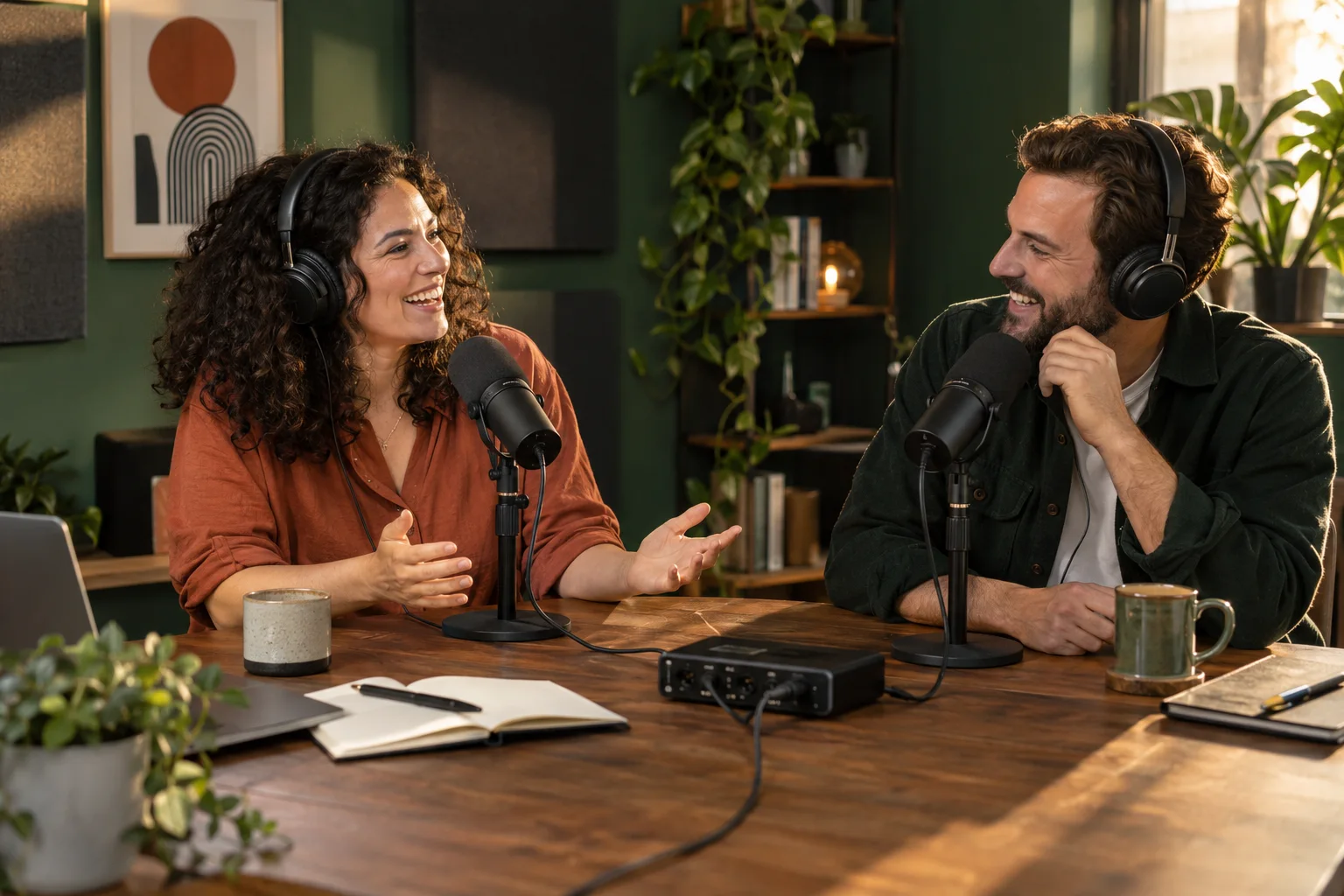
Made for audio-only shows too.This week: a story everyone has an opinion on, and a perspective you might not expect.
BUILT FOR THE PEOPLE BEHIND THE MIC
Capture as you go. Share one Stage Tab. Focus on your show.
See Stage in actionGoing hiking? You visit an outfitter.
Making a podcast? You need Podfitter.